
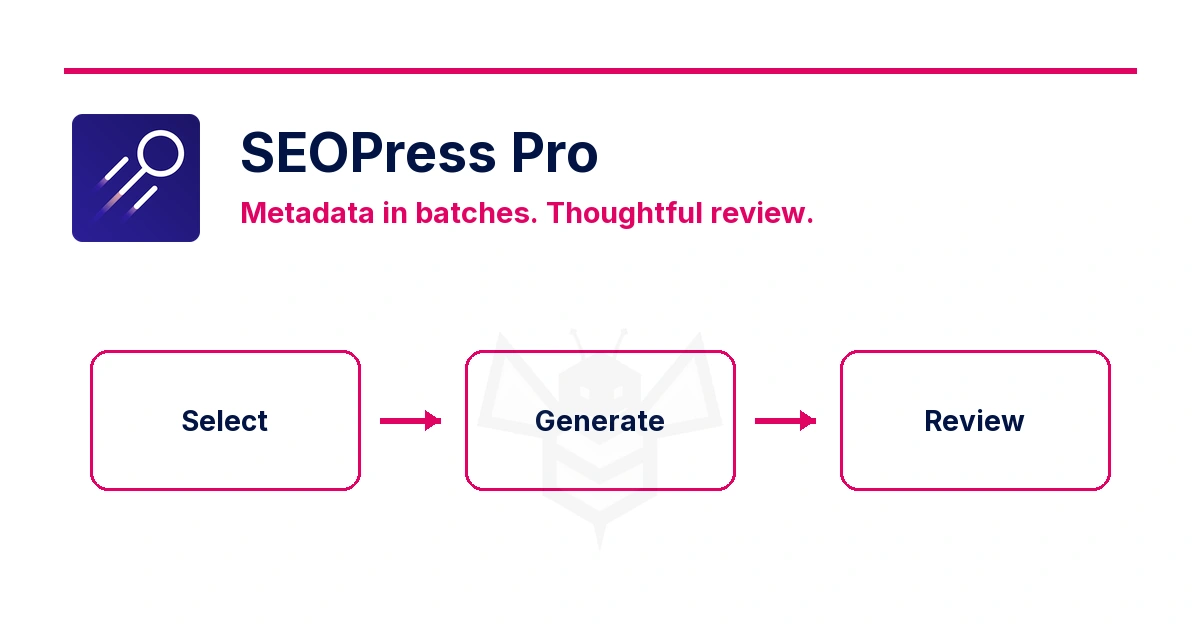
When several pages lack an SEO title or description, repetitive work can hold up your review. SEOPress Pro can generate suggestions from the content list. Start with a few pages, run one pass for titles and another for descriptions, then review the results before expanding the batch.
Before you start: protect what already works
You need SEOPress and SEOPress Pro, sufficient editing permissions and a configured AI provider. The plugin licence and the provider's usage charges are separate. With OpenAI, you can connect your own API account; you do not need the manufacturer's account belonging to whoever installed the licence.
Keep a backup and select content with unfinished metadata. Bulk AI actions can replace existing text. Avoid selecting the whole list or including pages whose wording you want to keep.
For the first test, use two fictional or low-impact posts. Record their existing SEO titles and descriptions so you can compare and restore them. An SEO title is not necessarily the heading visitors see on the page.
1. Configure the provider and model
Open SEO → PRO → AI, select your provider and, for OpenAI, enter a key from your own API account. Choose an available model and save. Keep keys out of screenshots and shared documents.
A ChatGPT subscription does not replace API access. Check API billing for the account you will use. The selected model affects both the response and its cost; do not assume the default is the cheapest.
Check the content language and any custom instructions. A useful instruction is: “Respect the language and facts in the content. Do not invent prices, locations, guarantees or benefits. Avoid repeating the brand name when it is already present.” You still need to verify what the model produces.
2. Generate titles first
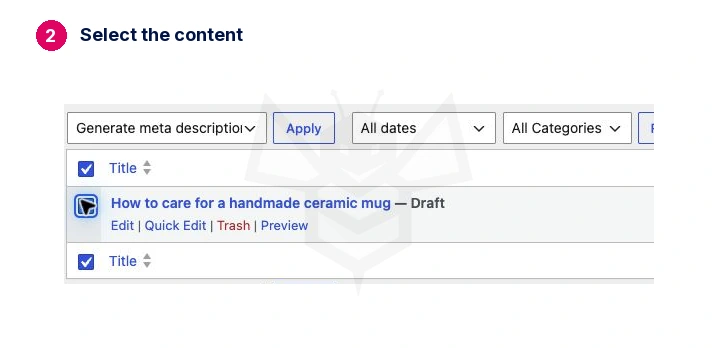
Open the posts or pages list and select only your test content. Choose Generate meta title with AI from Bulk actions, then click Apply. Labels may vary with the interface language.
Open each item afterwards and check its SEOPress title field. The title should describe that page clearly, in the correct language and without invented information. Restore an earlier title if it was better.
A finished loading indicator does not prove every item succeeded. Check each selected item.
3. Run a separate pass for descriptions
Return to the list, select the same content and choose Generate meta description with AI. In this workflow, generating a title does not also fill the description.
Check that the description explains what visitors will find. Avoid generic wording that could fit any page. A fictional two-hour pottery workshop should not become a certified course or acquire an invented price.
| Check | What to look for |
|---|---|
| Language | Matches the content and its audience. |
| Accuracy | No new facts unsupported by the page. |
| Specificity | Each title and description fits its own page. |
| Presentation | The preview is readable and keeps the main idea intact. |
| Actual output | The published page contains the saved title and description. |
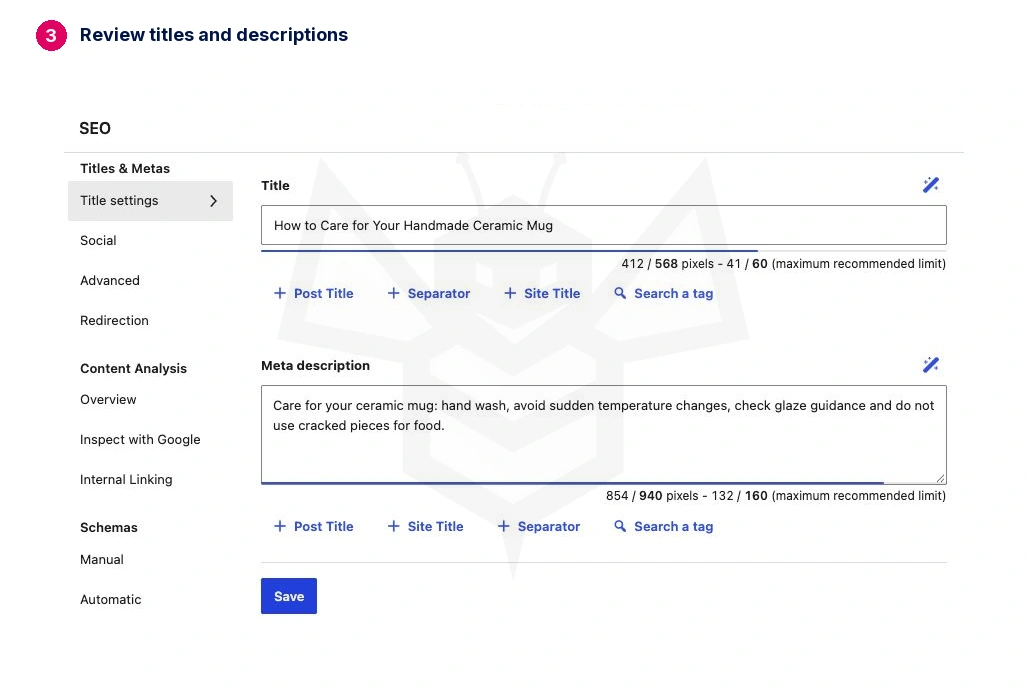
In the English example, the first description exceeded the plugin’s recommended pixel width. It was shortened by hand while keeping the facts; the screenshot shows that reviewed version.
The preview is a guide: search engines may display different text. Generation does not guarantee that Google will use the suggestion or improve rankings.
4. Calculate the whole batch's cost
Count both passes, retries and billed input and output tokens. Content and instructions consume tokens; reasoning tokens, where applicable, are included in billed output according to the provider's rules.
A real test on 14 October 2026 generated titles and descriptions for two fictional posts: four requests, 596 input tokens and 515 billed output tokens. Using GPT-5.6 Luna at the standard rate of USD 0.20 per million input tokens and USD 1.20 per million output tokens gives a calculated cost of USD 0.0007372, before taxes or other billing adjustments.
This is the usage of that short example, calculated from the API's returned usage data. It is neither a fixed price per page nor a settled invoice. Longer content, a different model or a retry changes the amount.
Check your test's usage in the provider dashboard. An account's minimum credit deposit is not the cost of generating a batch. The practical benefit is spending less effort on repetitive drafting and more on reviewing the wording.
If generation fails
Check SEOPress AI logs and the provider account: connection, model availability, billing and limits. Inspect saved fields before retrying. Select only unfinished items; rerunning a whole batch can overwrite text you have already reviewed.
Expected result: every selected page has a reviewed title and description; you know what was replaced and what your test consumed. Expand the batch only after checking these results.
Sources: SEOPress metadata generation and official GPT-5.6 Luna pricing.