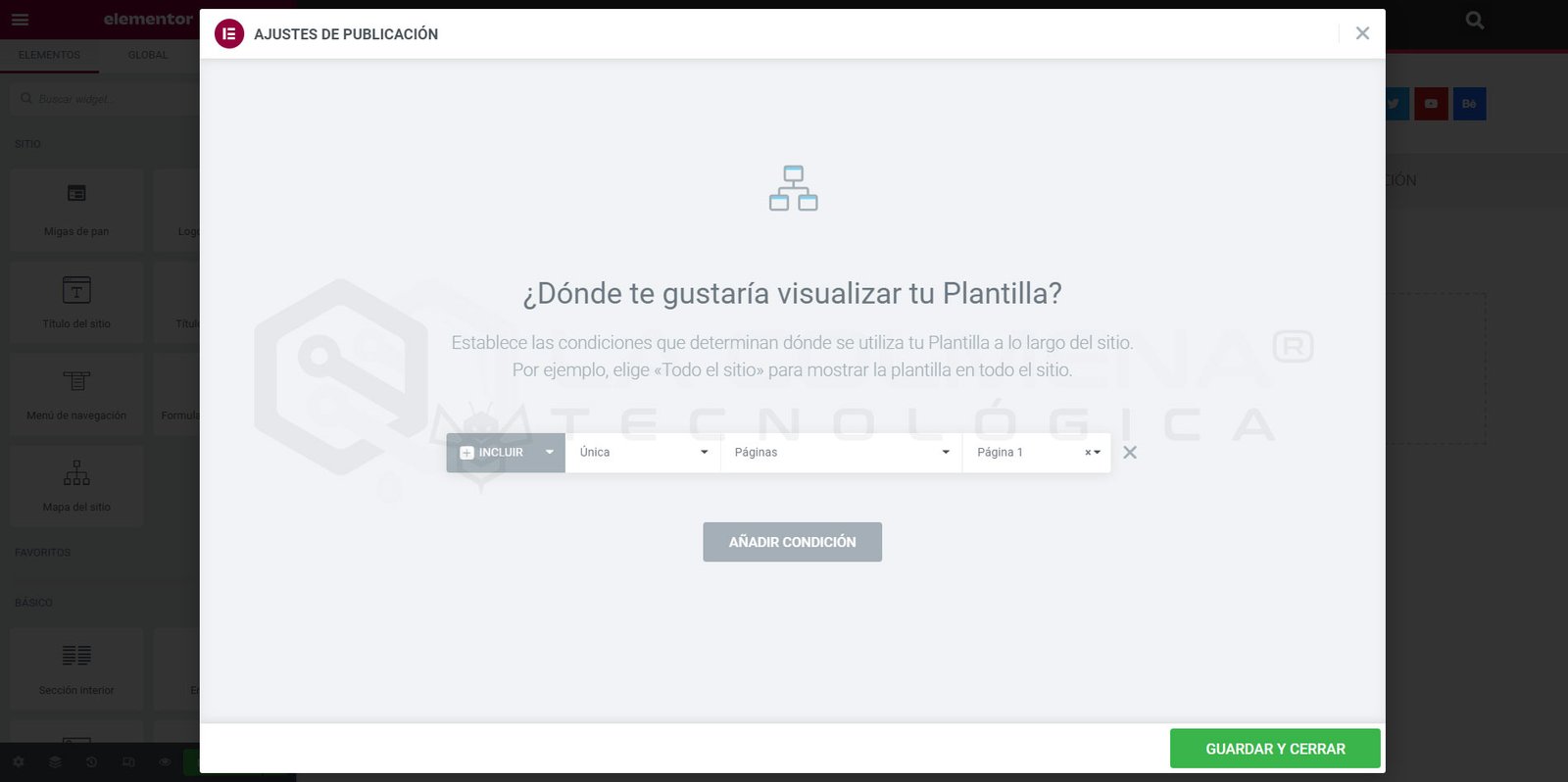
Display conditions settings in Elementor. Define where your template will be shown.
Table of contents
What is the header?
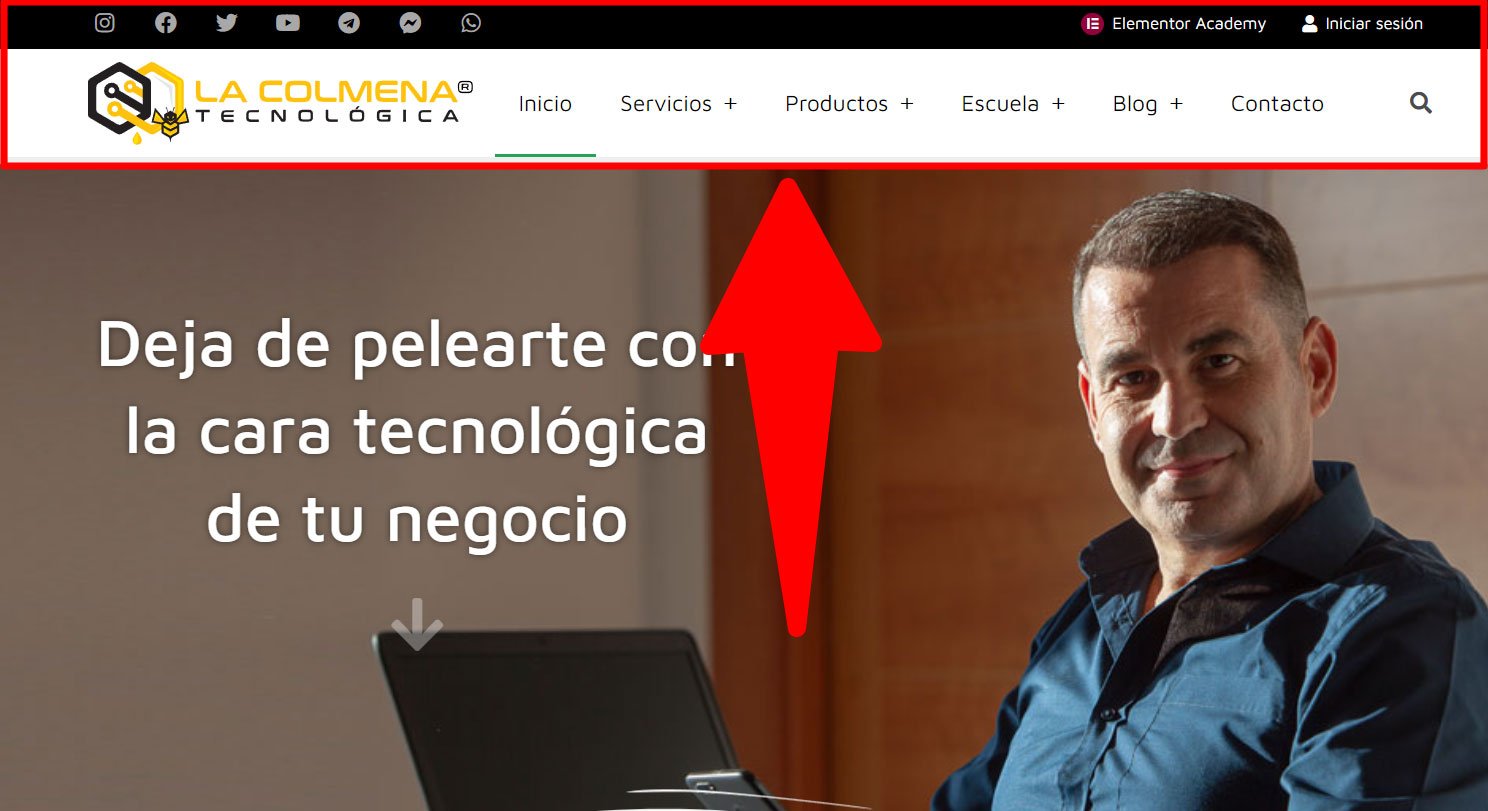
A website header is the top area that appears on every page of your website. Generally, the header is the same across the entire site. However, some websites also have different headers for different sections of the site.
The header can also play an important role in promoting your company’s brand identity by incorporating elements such as the company logo, typography, colors, and the brand’s overall language.
The header also includes functional options such as site navigation, on-site search, a shopping cart (for eCommerce sites), call-to-action (CTA) buttons, and other features that improve the user experience and increase conversion rates.
What is a footer?
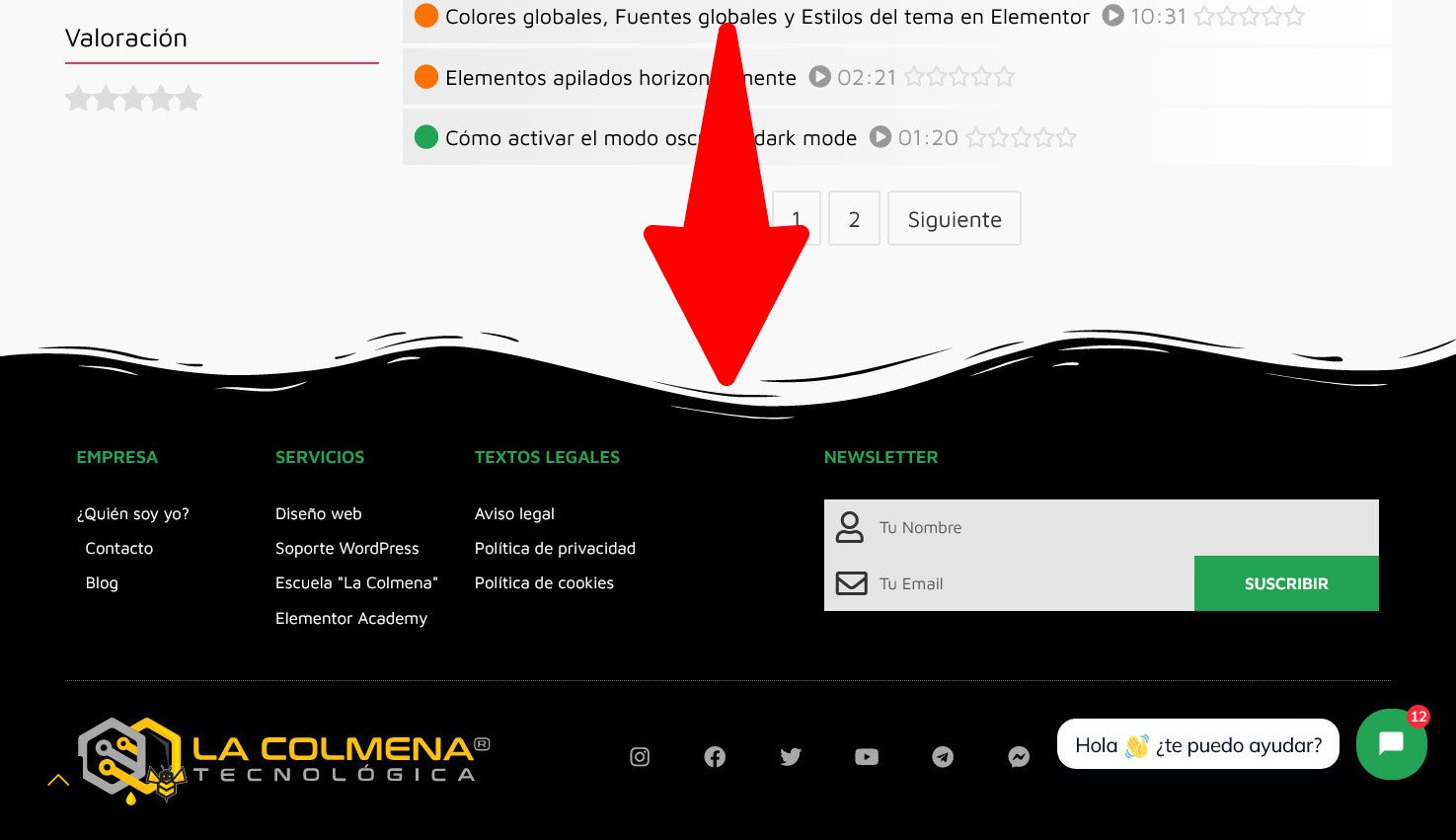
A footer is an area located at the bottom of a web page. Like headers, they usually appear consistently across the website, on all pages and posts.
Footers often get very little attention, which is really a missed opportunity since they repeat on every page of the site. They’re just as important as headers.
Depending on the settings you choose, the footer design can display useful and important information such as a newsletter subscription form, copyright information, terms of use, privacy, cookies, a sitemap, contact information, and much more.
Essential parts of a website
The Header and the Footer are two essential elements of a website. Users already assume every website has these two blocks and have a clear idea of what they expect to find in each one. That’s why we shouldn’t reinvent the wheel or try to be overly original when creating them, because there’s something much more important than design or originality: usability. Common characteristics:
They appear on all pages and posts on the website except landing pages.
They generally don’t vary from one page to another, although there are exceptions.
Both have a fixed position: the header is at the beginning and the footer at the end of the document.
WordPress is built around this, and all themes installed by default include templates that can be customized for the Header and the Footer. Likewise, the vast majority of WordPress themes include these two templates. The problem is that these types of templates are very limited in terms of customization, and we have to settle for the options the theme author included.
On the other hand, with the basic version of Elementor we can use a blank canvas page layout (Elementor Canvas), which doesn’t include the theme’s default header or footer, create our own Header or Footer, and copy them across all the pages on the website. The problem is that this isn’t practical at all, because if we needed to make a change, we’d have to do it as many times as we have pages.
With With Elementor Pro we don’t have that problem because it goes further and includes its own Theme Builder or Theme Builder, which lets us create the Header and Footer from scratch and assign them to all pages and posts on the website. That way, when we need to edit them, we only do it once.
Elementor Pro also lets us have different headers or footers on the same website, but we’ll look at that later.
How to create a Header or Footer template from Elementor Pro’s Theme Builder
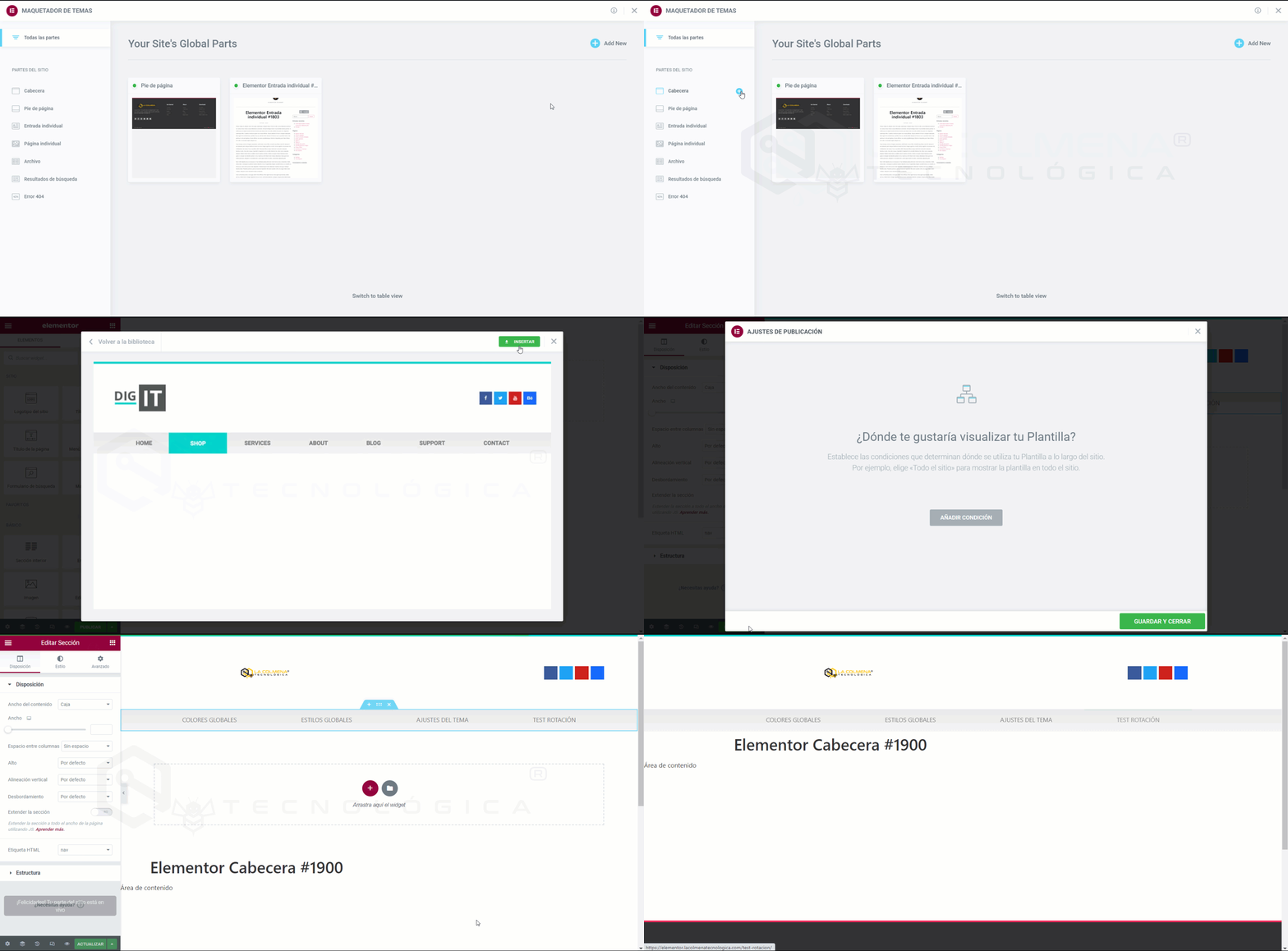
We can easily create a Header or Footer from the Theme Builder by following these steps:
In the WordPress admin panel, go to the Templates menu > click Theme Builder
You can click the button next to each category, or click Add new and choose Header or Footer.
Now you can choose a pre-made Header or Footer template, or create one from scratch.
Once you’ve made the necessary changes to the Header or Footer design, click the Publish button and choose where to publish the Header or Footer. The default value is Entire Site.
That’s it! You can now see your custom Header or Footer live on your site.
We can use the pre-designed templates offered by Elementor Pro, or design from scratch with the builder. We can also use a pre-designed template and then customize it to our liking.